
Frontend & UI
design-skills · Editorial
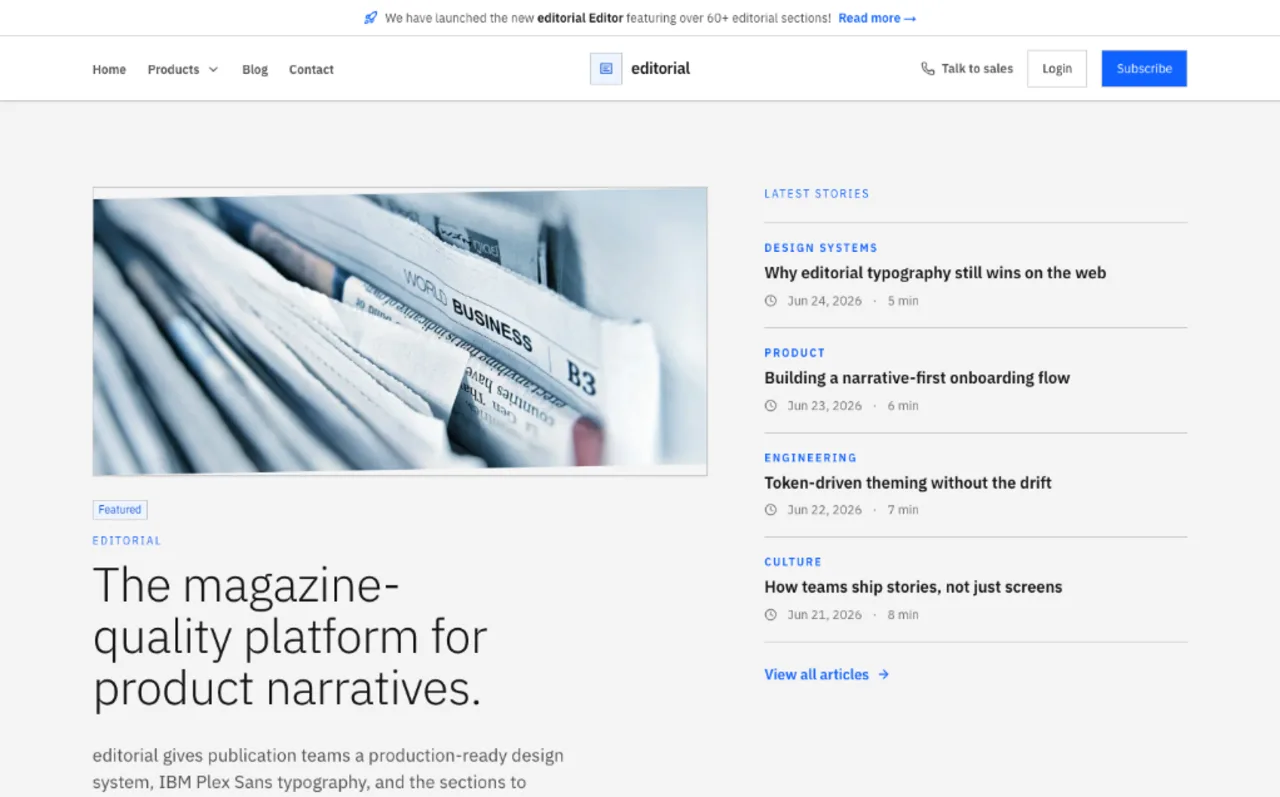
Magazine layout in Gelasio serif on a strict 8pt grid.
What it is
A design-system guideline skill for a modern editorial look: Gelasio serif for both body and display, Ubuntu Mono, near-black #111111 on white surfaces, and an 8pt baseline grid.
Magazine-inspired editorial layout with refined serif typography, structured grids, and elegant reading experiences.
Why it matters for design
- Serif display and body from one family keeps long reading passages typographically consistent.
- An 8pt baseline grid enforces vertical rhythm across headings, body copy, and spacing.
- Accessibility bar includes reduced-motion support, 44px touch targets, and high-contrast handling.
What it covers
- Style foundations
- Accessibility
- Guideline authoring workflow
- Required output structure
- Component rule expectations
- Quality gates
How to install
design-skills · Editorial
-
Clone the repo.
git clone https://github.com/bergside/awesome-design-skills -
Point Codex at the skill file.
skills/editorial/SKILL.md -
Then describe the UI you want. Codex follows the skill.
How to run it with Codex
-
Ask Codex to restate the design intent, then define tokens before touching components.
-
Request component rules covering anatomy, variants, states, and responsive behavior.
-
Close with the QA checklist so a code reviewer can verify the output.
Every plugin here is free, open source, and links to its real upstream source.
More on the codex-design list ↗More Codex design plugins
 Frontend & UI What it does gpt-taste Builds award-style landing pages with GSAP scroll motion and gapless bento grids.
  Design Systems What it does Stitch Design Taste Writes a DESIGN.md that steers Google Stitch toward non-generic screens.
  Frontend & UI What it does image-to-code Generates design images first, analyzes them, then builds matching frontend code.
  Frontend & UI What it does imagegen-frontend-mobile Generates premium mobile app screen flows as images, not code.
 Next step
Design with Open Design, without the setup
Install this plugin yourself, or run a whole curated design layer around Codex with Open Design. Bring your own key, own your output.